Paste (macOS)
Menu bar app: clipboard history, global hotkeys, overlay panel, Paste Stack, Pinboards, optional iCloud sync.
Lightweight and privacy-first. Menu bar history on Mac, browse & pin on iPhone, paste from a custom keyboard — optional iCloud sync across devices.
If Paste is helpful, a star on GitHub is appreciated. If TestFlight is full or not accepting testers, email gxlself@gmail.com.
One Xcode project ships the Mac menu bar app, the iOS companion, and the custom keyboard extension.
Menu bar app: clipboard history, global hotkeys, overlay panel, Paste Stack, Pinboards, optional iCloud sync.
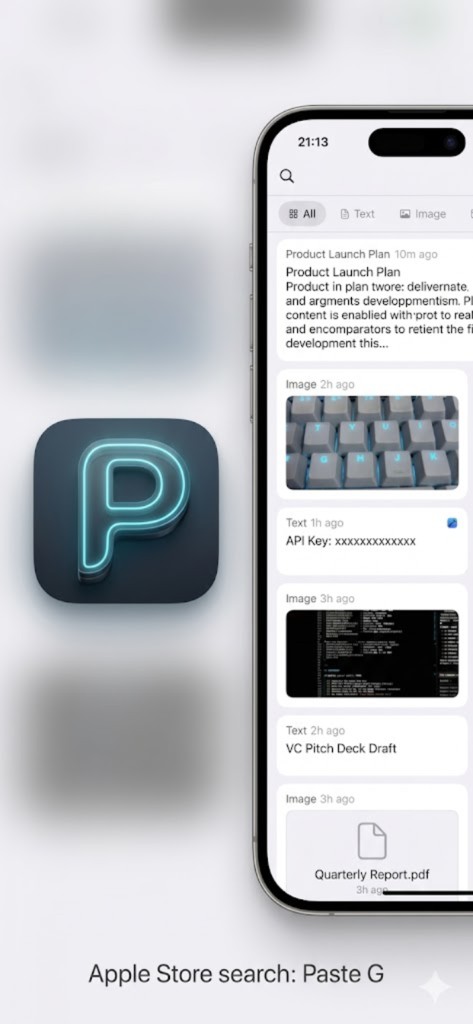
Browse the same history on iPhone/iPad: pinboards, filters, categories, multi-select, scanner & quick new text.
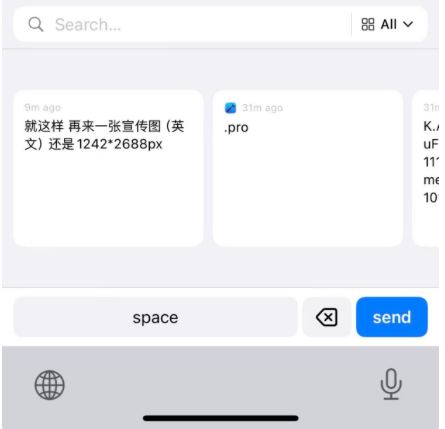
Custom keyboard: pick a saved clip and insert in Mail, Notes, etc. without leaving the app. Full Access required.
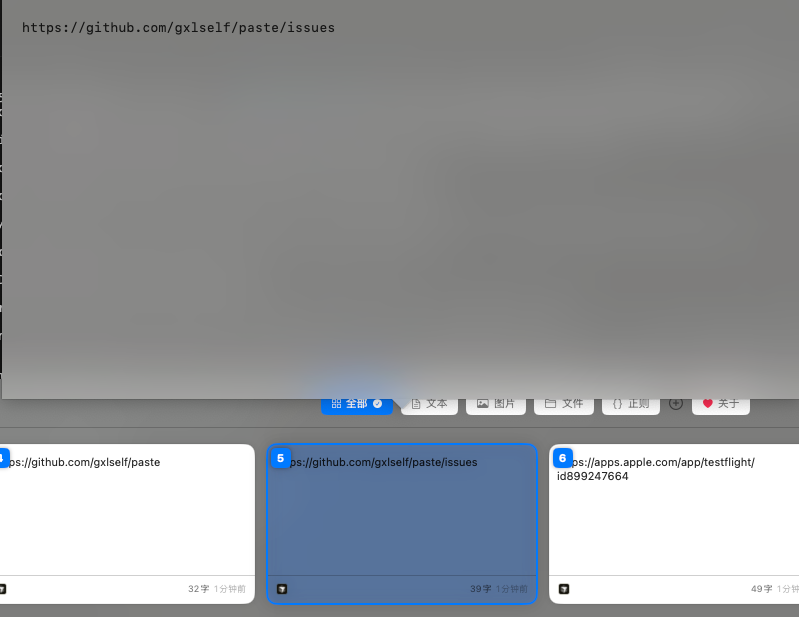
macOS main panel and iOS app (Paste G) with custom keyboard.
macOS

iOS
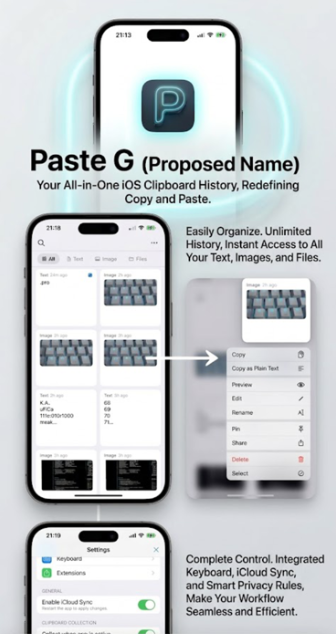
KEEP · SEARCH · ORGANIZE · Mac / iPhone / Keyboard. Feature tour →
Rich history on Mac: text, RTF, images, paths. Dedup, retention, timeline, excluded apps. Never lose the clip you need next.
Live search, type tabs, regex presets, custom categories. Find that snippet from this morning in seconds.
Pinboards, Paste Stack, pin to top, plain-text paste options. Optional iCloud sync across Mac & iOS.
git clone https://github.com/gxlself/paste.git && cd paste && open Paste.xcodeprojgroup.gxlself.paste-tool.If Paste saves you time, tips are welcome. Scan to follow the WeChat official account for updates.