KEEP
Unlimited history (within your rules)
Text, RTF, images, and file paths on macOS. SHA-256 dedup, timeline groups, retention presets and max item cap. Optional skip for excluded apps.
Feature tour
History, search, pinboards, optional iCloud sync — Mac menu bar app, iOS app, custom keyboard. MIT, local-first.
Core ideas
KEEP · SEARCH · ORGANIZE · Everywhere — history, find, pinboards, optional sync across Mac & iOS.
Text, RTF, images, and file paths on macOS. SHA-256 dedup, timeline groups, retention presets and max item cap. Optional skip for excluded apps.
Live search, type tabs, regex quick filters, and custom categories.
Multiple pinboard slots; queue clips and paste in order; plain-text options.
App Group + optional iCloud (same Apple ID) across Mac and iOS.
Trust
Same Apple ID on Mac and iOS. App Group links iOS app and keyboard on device.
Sync off by default. Excluded apps, retention, clear history — your call.
Details
Assisted Paste, Paste Stack, excluded apps, preview, shortcuts, iOS keyboard.
Assisted Paste, Paste Stack, plain text vs rich. Paste multiple items in order from the stack.
Exclude apps; skip images; iOS rule toggles where applicable.
Quick look, link previews, edit/rename text, multi-select, undo delete.
Menu bar, overlay position, light/dark/system, hotkeys.
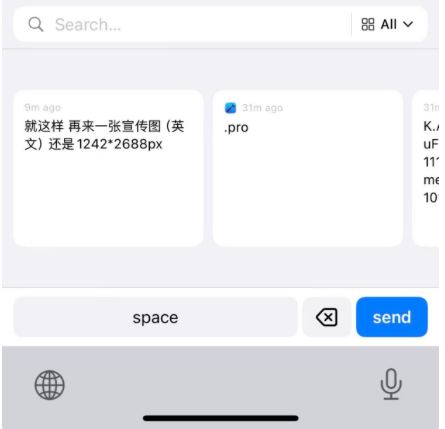
Paste Keyboard: search and insert clips while typing. Full Access for shared DB.
Global hotkeys, quick-paste by number. (Siri Shortcuts: use system automation as needed.)
Screenshots
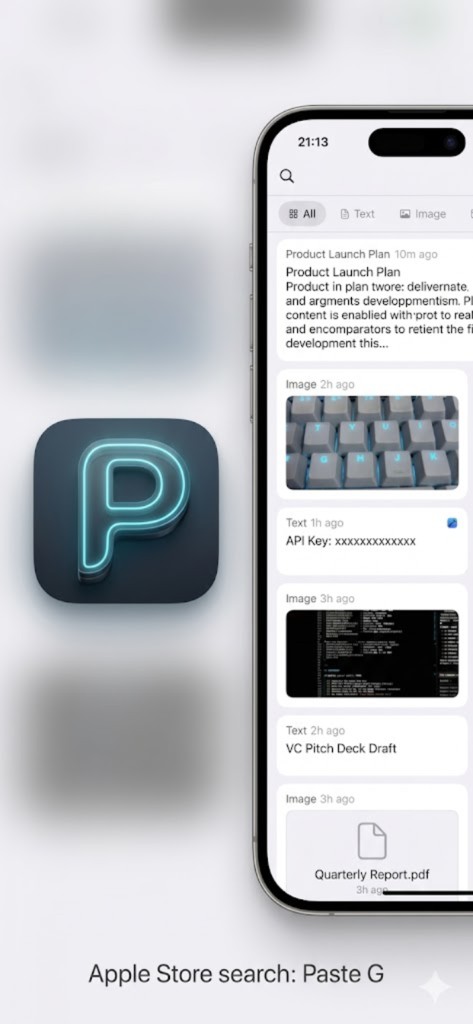
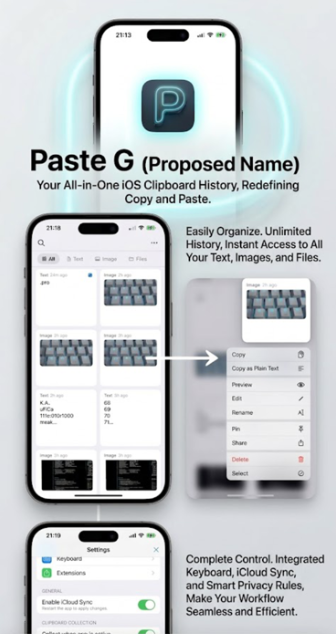
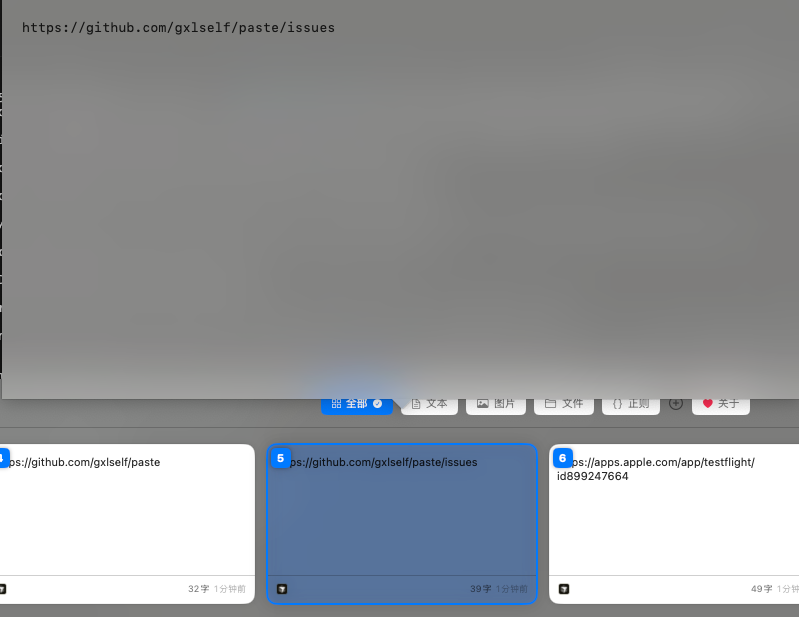
macOS main panel and iOS app (Paste G) with custom keyboard.
macOS

iOS